N8N Sub-Workflows: Build Reusable Automation Components

N8N Sub-Workflows: Build Reusable Automation Components
You're building N8N automations and copying the same 15-node sequence across every workflow. Authentication logic here, error handling there, notification patterns everywhere. By workflow #10, you've got technical debt scattered across dozens of duplicated nodes. One bug means updating 50 places manually.
Sub-workflows solve this. Build once, reuse everywhere. Update in one place, fix everywhere instantly.
What Are Sub-Workflows?
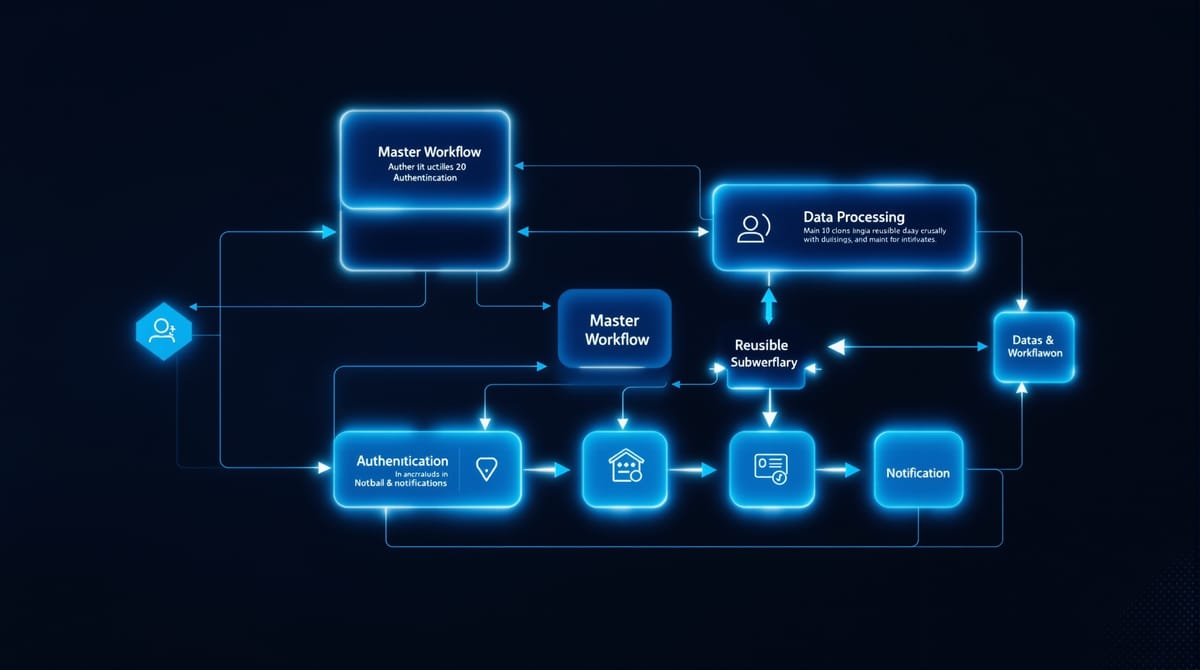
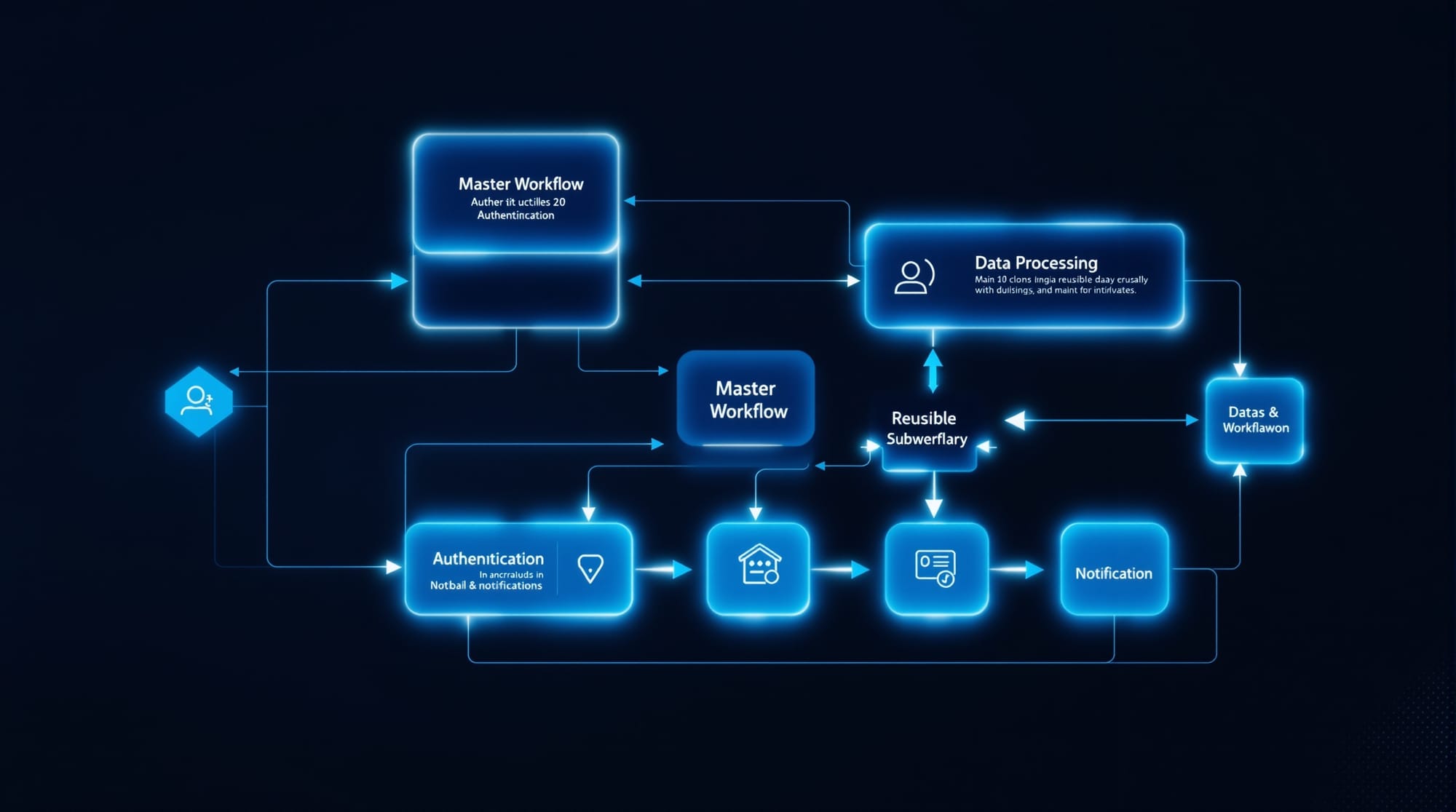
Sub-workflows are self-contained N8N workflows you can call from other workflows like functions in code. They accept inputs, process data, return outputs. The parent workflow doesn't need to know implementation details.
Why this matters:
- DRY principle - Write logic once, call it 100 times
- Single source of truth - Bug fixes propagate automatically
- Easier testing - Test sub-workflows independently
- Team collaboration - Share proven components across developers
Real-World Use Cases
Authentication sub-workflow:
Every API call needs OAuth tokens? Create one sub-workflow that handles token refresh, caching, and error retries. Call it from anywhere.
Data validation sub-workflow:
Standardize how you clean user input - trim strings, validate emails, sanitize SQL. One workflow, consistent validation everywhere.
Notification sub-workflow:
Send alerts to Slack, email, and PagerDuty with retry logic and formatting. Update notification channels once, everywhere updates.
Creating Your First Sub-Workflow
Prerequisites
- N8N instance running (self-hosted or Elestio)
- Basic N8N workflow experience
- Understanding of JSON data structures
Step 1: Build the Sub-Workflow
Create a new workflow named "Get OAuth Token". This will handle API authentication.
Required nodes:
- Execute Workflow Trigger - This makes it callable from other workflows
- HTTP Request - Fetch OAuth token from API
- Set - Format the response
- Respond to Workflow - Return data to parent
Complete sub-workflow JSON:
{
  "nodes": [
    {
      "parameters": {},
      "name": "Execute Workflow Trigger",
      "type": "n8n-nodes-base.executeWorkflowTrigger",
      "typeVersion": 1,
      "position": [250, 300]
    },
    {
      "parameters": {
        "url": "https://api.example.com/oauth/token",
        "authentication": "genericCredentialType",
        "genericAuthType": "httpBasicAuth",
        "sendBody": true,
        "bodyParameters": {
          "parameters": [
            {
              "name": "grant_type",
              "value": "client_credentials"
            }
          ]
        }
      },
      "name": "Get OAuth Token",
      "type": "n8n-nodes-base.httpRequest",
      "typeVersion": 4.1,
      "position": [450, 300],
      "credentials": {
        "httpBasicAuth": {
          "id": "INSERT_YOUR_CREDENTIAL_ID",
          "name": "API Credentials"
        }
      }
    },
    {
      "parameters": {
        "values": {
          "string": [
            {
              "name": "access_token",
              "value": "={{ $json.access_token }}"
            },
            {
              "name": "expires_at",
              "value": "={{ DateTime.now().plus({ seconds: $json.expires_in }).toISO() }}"
            }
          ]
        },
        "options": {}
      },
      "name": "Format Response",
      "type": "n8n-nodes-base.set",
      "typeVersion": 3.2,
      "position": [650, 300]
    },
    {
      "parameters": {
        "respondWith": "allIncomingItems",
        "options": {}
      },
      "name": "Respond to Workflow",
      "type": "n8n-nodes-base.respondToWebhook",
      "typeVersion": 1,
      "position": [850, 300]
    }
  ],
  "connections": {
    "Execute Workflow Trigger": {
      "main": [[{ "node": "Get OAuth Token", "type": "main", "index": 0 }]]
    },
    "Get OAuth Token": {
      "main": [[{ "node": "Format Response", "type": "main", "index": 0 }]]
    },
    "Format Response": {
      "main": [[{ "node": "Respond to Workflow", "type": "main", "index": 0 }]]
    }
  }
}
Save this workflow. It's now callable from any other workflow.
Step 2: Call the Sub-Workflow
In your main workflow, add an Execute Workflow node:
- Workflow Source: Select "Database" (for saved workflows)
- Workflow ID: Choose "Get OAuth Token" from dropdown
- Input Data: Pass parameters if needed
Example main workflow JSON:
{
  "nodes": [
    {
      "parameters": {},
      "name": "Manual Trigger",
      "type": "n8n-nodes-base.manualTrigger",
      "typeVersion": 1,
      "position": [250, 300]
    },
    {
      "parameters": {
        "source": "database",
        "workflowId": "INSERT_SUBWORKFLOW_ID"
      },
      "name": "Get Token",
      "type": "n8n-nodes-base.executeWorkflow",
      "typeVersion": 1,
      "position": [450, 300]
    },
    {
      "parameters": {
        "url": "https://api.example.com/data",
        "authentication": "none",
        "sendHeaders": true,
        "headerParameters": {
          "parameters": [
            {
              "name": "Authorization",
              "value": "=Bearer {{ $node['Get Token'].json.access_token }}"
            }
          ]
        }
      },
      "name": "API Request",
      "type": "n8n-nodes-base.httpRequest",
      "typeVersion": 4.1,
      "position": [650, 300]
    }
  ],
  "connections": {
    "Manual Trigger": {
      "main": [[{ "node": "Get Token", "type": "main", "index": 0 }]]
    },
    "Get Token": {
      "main": [[{ "node": "API Request", "type": "main", "index": 0 }]]
    }
  }
}
Step 3: Pass Data Between Workflows
Sub-workflows can receive input from the parent:
In parent workflow (Execute Workflow node):
{
  "parameters": {
    "source": "database",
    "workflowId": "YOUR_SUBWORKFLOW_ID",
    "inputs": {
      "jsonData": "={{ { userId: $json.id, action: 'login' } }}"
    }
  }
}
In sub-workflow (access the data):
// Access parent data in any node
{{ $input.item.json.userId }}
{{ $input.item.json.action }}
Advanced Patterns
Error Handling in Sub-Workflows
Wrap your sub-workflow logic in an Error Trigger:
- Add Error Trigger node
- Connect it to notification/logging nodes
- Sub-workflow failures alert you automatically
Parent workflows continue running even if sub-workflow fails (configure this in Execute Workflow node settings).
Caching Results
For expensive operations (API rate limits, slow queries), cache results:
- Add Redis or Memory Store node in sub-workflow
- Check cache before expensive operation
- Return cached data if available
- Execute and cache if missing
Version Control
When updating sub-workflows used in production:
- Clone the sub-workflow (don't edit live version)
- Update and test the clone
- Gradually migrate parent workflows to new version
- Delete old version once all parents updated
Troubleshooting
Sub-workflow not found:
- Verify workflow is saved and activated
- Check Execute Workflow node is using "Database" source
- Ensure workflow ID matches exactly
Data not passing correctly:
- Check "Respond to Workflow" node in sub-workflow
- Verify parent workflow passes correct JSON structure
- Use N8N's built-in debugger to inspect data flow
Performance issues:
- Sub-workflows add overhead (100-200ms per call)
- Cache results for frequently-called sub-workflows
- Consider batch processing instead of calling sub-workflow in loops
Circular dependencies:
- Workflow A calls Workflow B, which calls Workflow A = infinite loop
- Draw dependency diagrams before building complex systems
- Use async messaging queues for circular patterns
Production Best Practices
Naming convention:
- Prefix sub-workflows:
SUB_Authentication,SUB_Validation - Makes them easy to find in workflow lists
Documentation:
- Add sticky notes in sub-workflows explaining inputs/outputs
- Document expected JSON schema for parameters
Monitoring:
- Track sub-workflow execution count
- Set alerts for failure rates above threshold
- Monitor execution time for performance regressions
Deploy N8N on Elestio
Ready to build modular automation workflows? Deploy N8N on Elestio with 2 CPU / 4GB RAM for ~$15/month. Get automated backups, SSL, and monitoring included.
Thanks for reading ❤️